Shared AI assets fail without an adoption path
A prompt library, evaluation set, or reusable skill becomes capability only when people can find it, trust it, adapt it, validate it, and improve it.

A prompt library can look like progress.
So can an evaluation set, a reusable skill, an agent template, or a folder full of approved examples. The assets exist. Someone has done the work. The organization now has something to share.
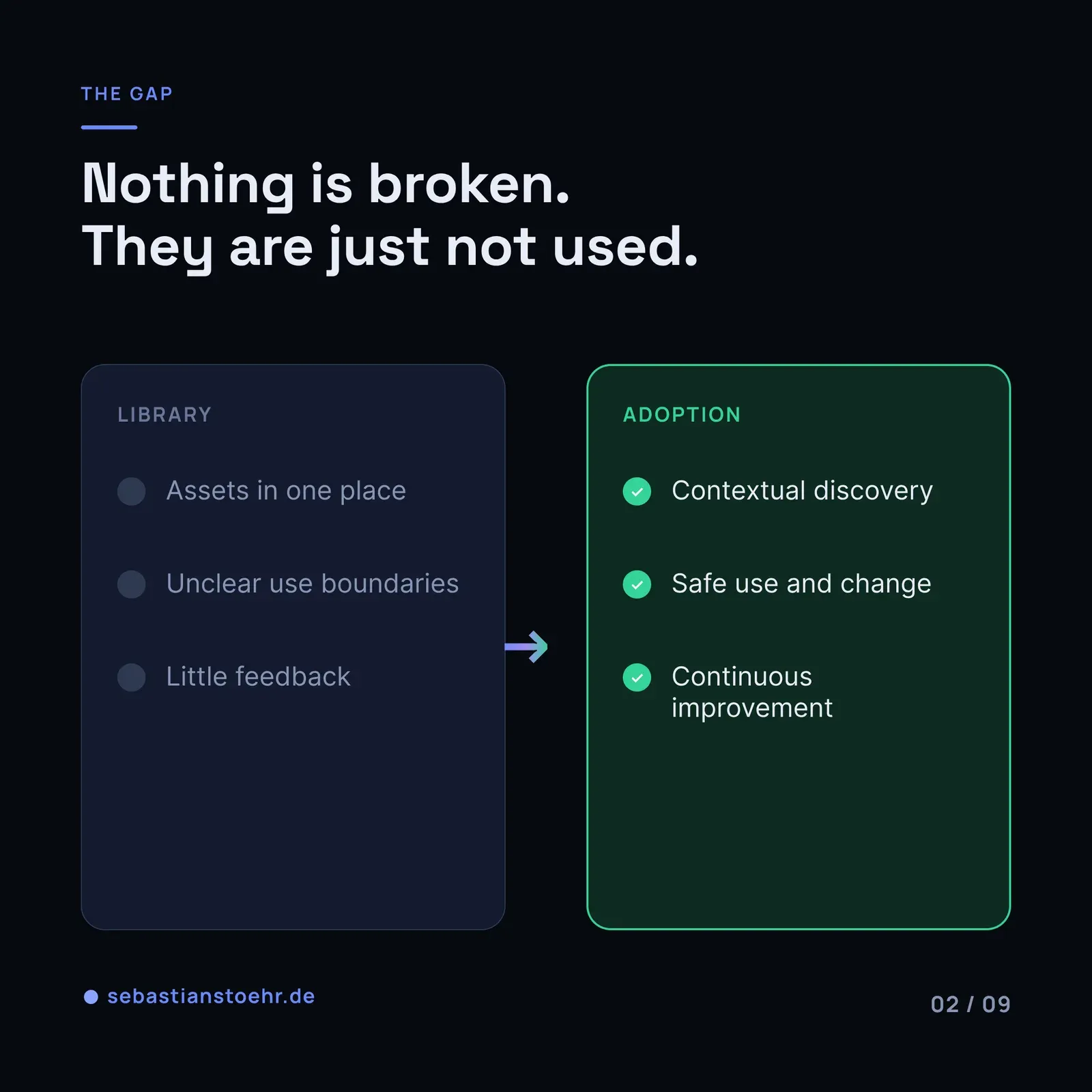
But shared assets do not create capability just because they are stored in one place.
They create capability when people can find them, trust them, adapt them to a real workflow, validate the result, and feed improvements back. Without that path, a library becomes another well-intentioned shelf: useful in theory, invisible in practice, and increasingly outdated over time.
A shared prompt library is not a capability unless people can safely use and improve it.
This matters because many organizations are moving from scattered AI experiments toward a more deliberate enterprise AI toolbox. That toolbox needs reusable assets. It also needs a way for those assets to become part of daily work. The library is only one part of the system.
 From AI Tool Chaos to an Enterprise AI ToolboxMost enterprises start their AI journey as scattered, unmanaged experiments. That's not a failure – it's the raw material. The hard part is building a bridge from local chaos to shared capability without killing the learning in the process.sebastianstoehr.de
The asset is not the product
A shared asset might be a prompt for summarizing a document, an evaluation set for a customer-support workflow, a reusable skill that retrieves internal knowledge, or a template for structured output.
Creating the asset is valuable. It removes repeated work and makes good practice easier to copy.
Still, the asset is not the product that a team experiences.
The team experiences a workflow:
- Can I find the right asset for this task?
- Do I know what it was designed to do?
- Can I tell whether it is safe for this context?
- Can I change it without breaking something important?
- How do I know whether my adaptation is better or worse?
- Where does an improvement go once I have made it?
If those questions do not have practical answers, the path of least resistance is usually to start from scratch. Someone copies an old prompt from a chat. Another team rebuilds the same skill. A useful evaluation set remains known only to the people who created it.
The organization has assets, but not shared capability.
Why a central library alone does not solve the problem
Centralization helps with visibility and governance. It can establish a reliable source of approved patterns, version history, ownership, and a place to retire obsolete material.
It does not automatically create adoption.
The usual failure mode is simple: a central group publishes assets, then measures the number of assets published. Teams are expected to discover the library and use it correctly without much support.
That creates a supply-side model. The library becomes a catalog maintained by people who know the assets well, while potential users still have to translate them into their own work.
The translation is where most friction lives.
A prompt that works for one workflow may need different source material, output constraints, escalation rules, or review steps in another. A reusable skill may need a different permission model. An evaluation set may contain examples that are no longer representative after a process changes.
None of this means reusable assets are a bad idea. It means reuse has to be designed as an operating path, not treated as a download.
The 6-step lifecycle
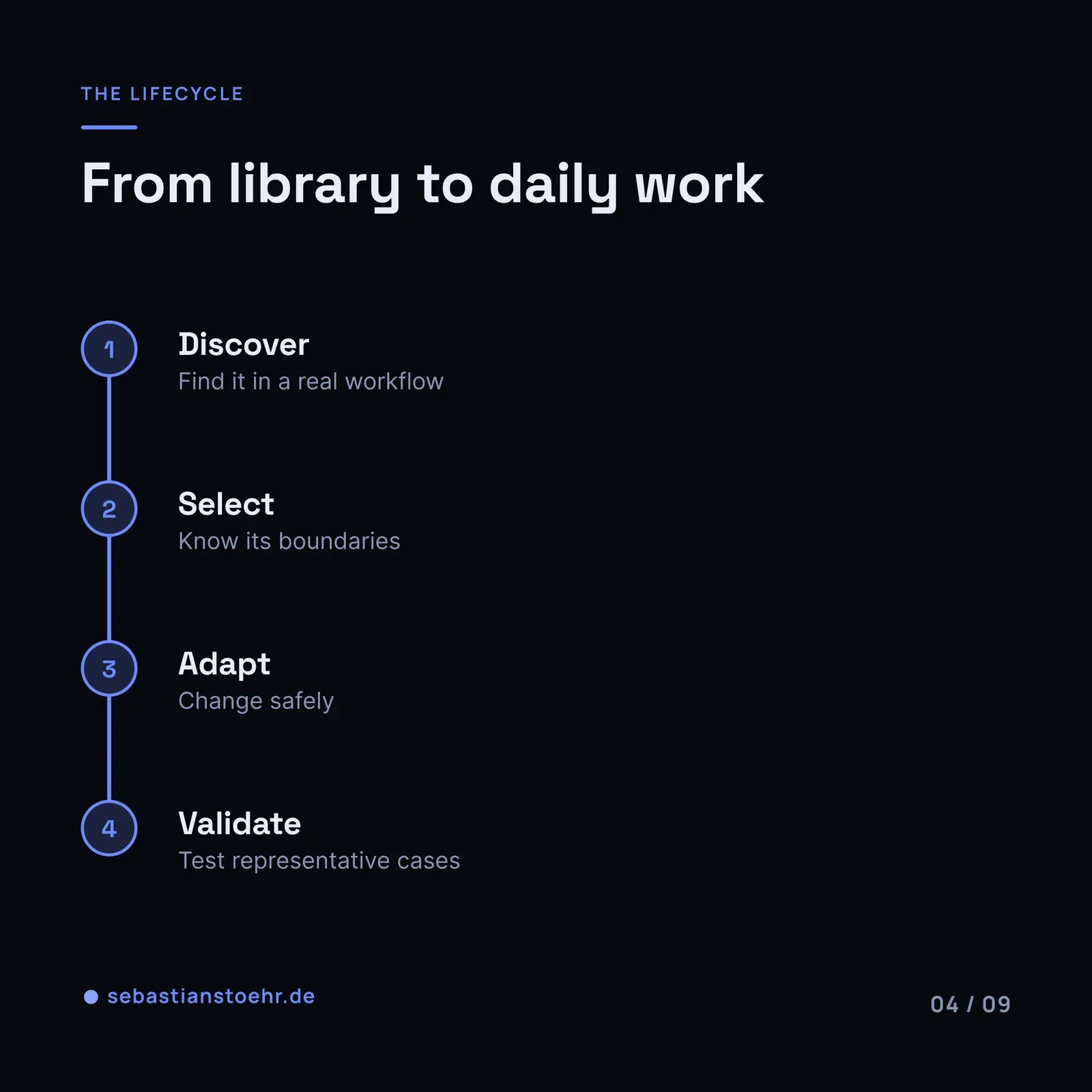
A useful shared-asset model gives people an obvious next step at every stage. Six stages are enough to make the lifecycle visible.
1. Discover
People cannot use what they cannot find.
Discovery is more than a searchable folder. The library needs plain-language descriptions of the problem each asset solves, who it is for, what inputs it expects, and where it should not be used.
Organize around workflows rather than model features. “Create a first draft from an approved source” is easier to recognize than “Prompt template, version 4.”
Good discovery also shows ownership and status. A team should be able to see whether an asset is maintained, experimental, deprecated, or replaced by something else.
2. Select
Finding several assets is not the same as knowing which one to use.
Selection needs decision support. An asset card can state the intended use, prerequisites, known limitations, data sensitivity, review expectations, and the responsible owner. A short “use this when” and “do not use this when” section often prevents more confusion than a longer implementation guide.
The goal is not to force every workflow through one standard. It is to help teams choose a sensible starting point without creating avoidable risk.
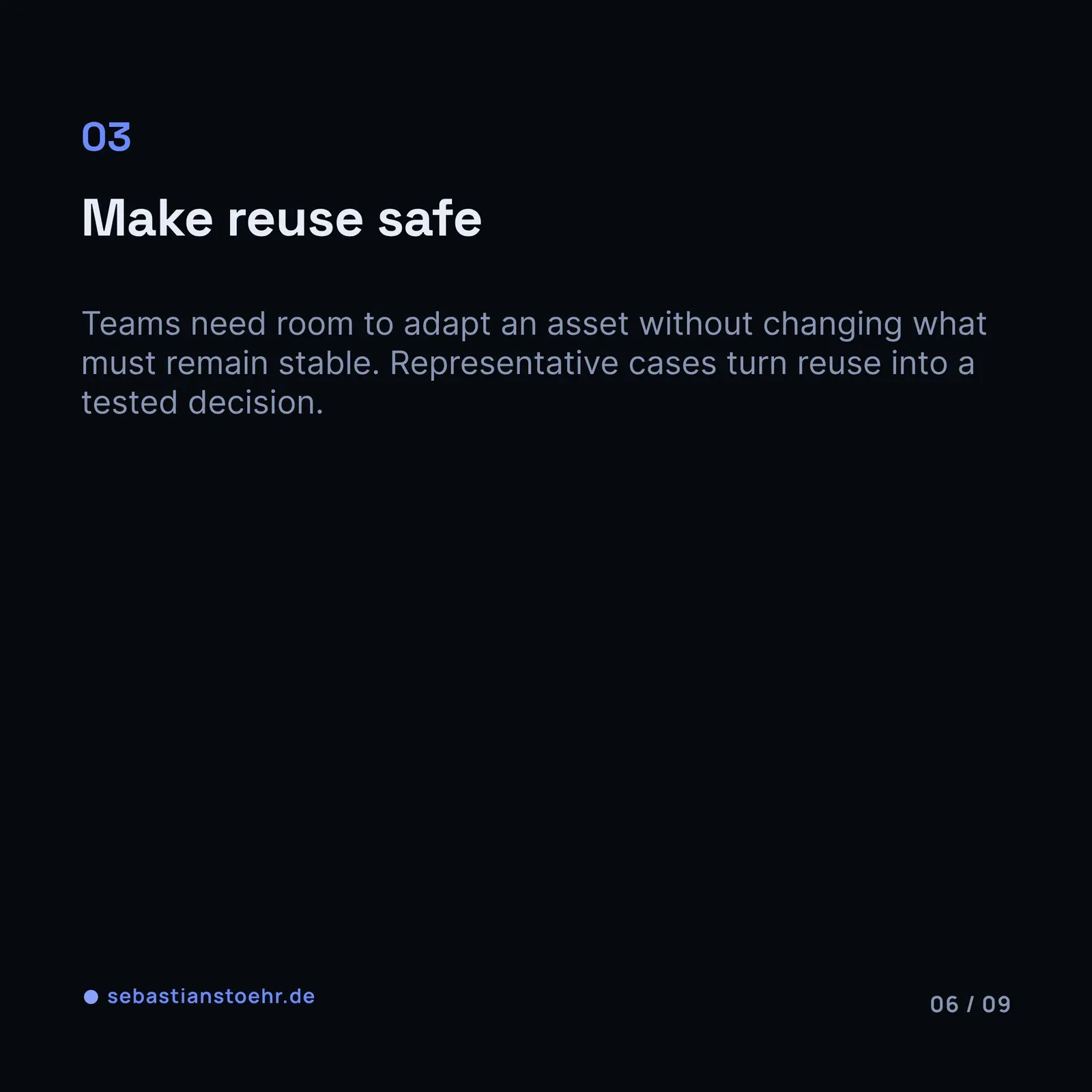
3. Adapt
Most useful assets need local adaptation.
That should be expected, not treated as a sign that the library failed. The question is whether teams can adapt safely.
Provide a clear baseline, explain which parts are stable, and make local changes visible. For a prompt, that might mean separating shared instructions from team-specific context. For a skill, it might mean exposing allowed configuration points while keeping security controls and output contracts stable.
Adaptation also needs an owner. If nobody owns the local version, it quickly becomes impossible to know which behavior is intentional and which behavior is accidental.
4. Validate
A shared asset should not ask teams to trust it on intuition alone.
Validation makes reuse safer. It can be lightweight: representative examples, expected output characteristics, a review checklist, or a small regression set. The point is to give people a way to check whether an adaptation still works for the job it is meant to do.
This connects directly to the discipline of treating AI behavior as something that can regress. If a team changes a shared prompt, model, retrieval source, or tool configuration, the change should be testable against the behavior the workflow needs.
Without a validation path, teams face a poor choice: avoid adapting the asset, or adapt it and hope.
5. Contribute
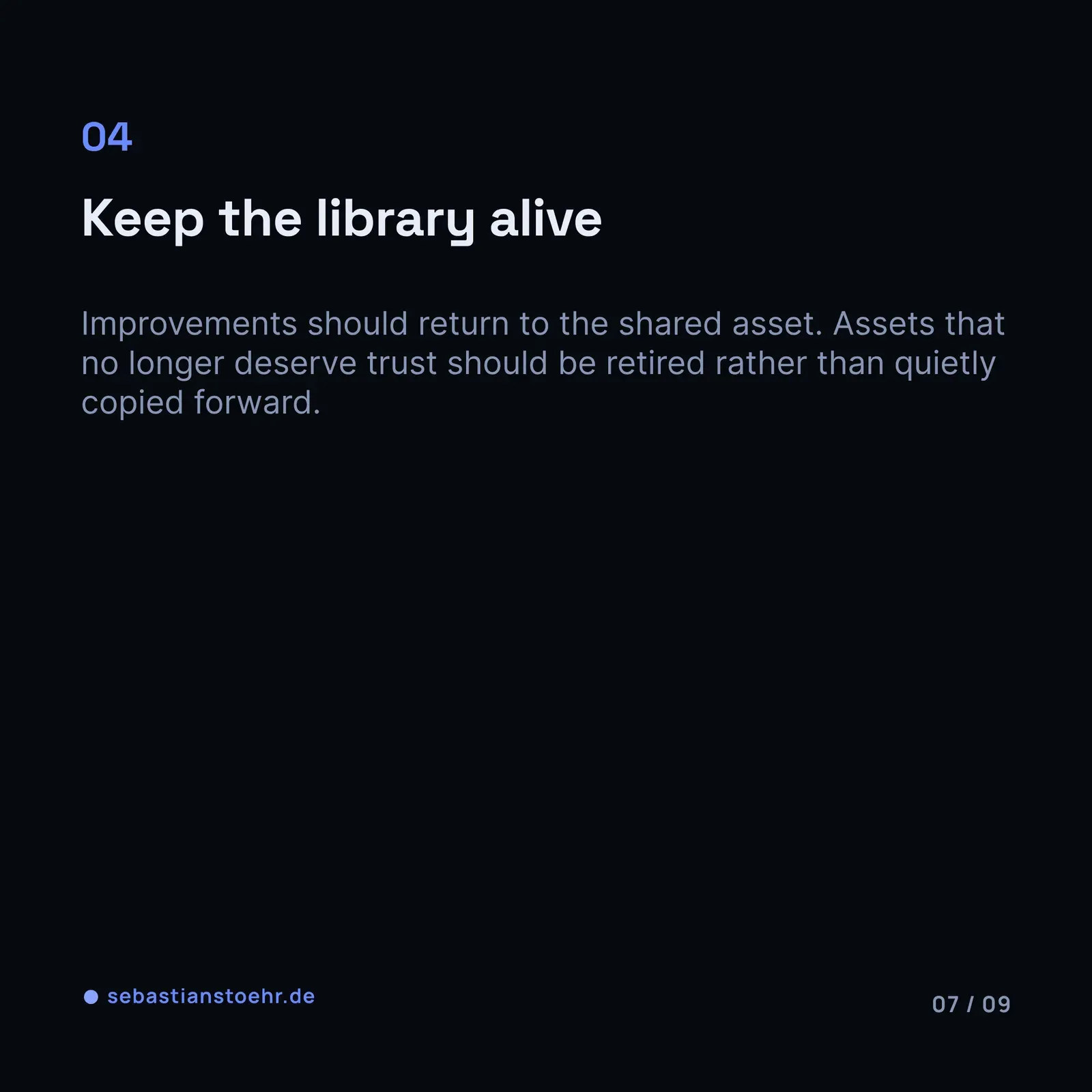
The library becomes more useful when improvements can return to it.
A team may discover a missing edge case, clarify a description, improve an evaluation example, or create a variation that solves a recurring need. Those are not side effects. They are how shared assets stay connected to real work.
Contribution needs a low-friction path: what to submit, who reviews it, what evidence is needed, and how the contributor learns what happened next. A contribution process that requires a large project or a long approval chain will only attract the most determined people.
The aim is not uncontrolled editing. It is a review loop that makes useful improvements visible and reusable.
6. Retire
Shared libraries accumulate debt too.
An asset can become outdated because a workflow changed, a policy changed, a model behavior changed, a better replacement exists, or nobody can maintain it. Keeping everything available forever makes selection harder and trust weaker.
Retirement is therefore part of adoption. Mark assets clearly as deprecated, direct users to replacements, and preserve enough history to understand why a change happened. Removing uncertainty is often more useful than keeping every past option alive.
What leaders should design around the lifecycle
The lifecycle does not require a large platform program on day one. It requires a few deliberate choices.
First, assign ownership at two levels. Someone needs to own the shared asset and its quality baseline. Teams using the asset need to own their local workflow and its outcomes. Central ownership without local responsibility creates a help desk. Local ownership without a shared baseline recreates tool chaos.
Second, make the path visible in the tool people already use. A well-maintained repository is useful, but it may not be where a busy team starts its work. Link assets from workflow documentation, templates, onboarding material, and the relevant engineering or operations spaces.
Third, treat evaluation material as part of the asset. A prompt without examples of acceptable and unacceptable behavior is difficult to trust. A reusable skill without a way to check its output is difficult to change responsibly.
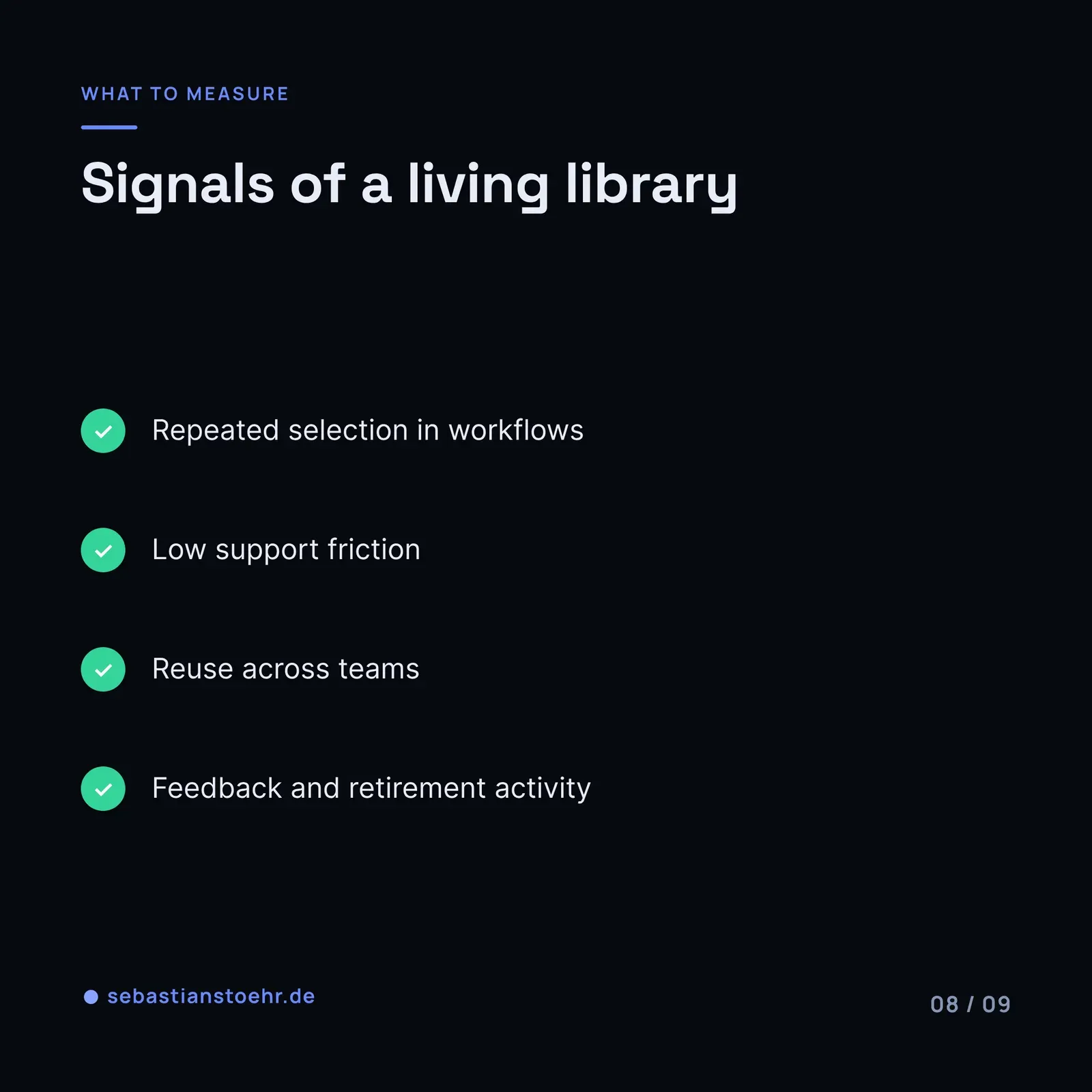
Fourth, measure signals of adoption, not only library growth. Useful questions include:
- Which assets are selected and adapted repeatedly?
- Which assets create recurring support questions?
- Where do teams abandon the path and build their own alternative?
- How quickly do improvements or deprecations reach users?
- Which workflows have no trustworthy shared starting point yet?
These are operating questions. They reveal where the system is helping and where it is only collecting artifacts.
Start with one workflow, not a grand catalog
A practical first move is to choose one recurring, low-to-medium-risk workflow where teams already create similar AI setups independently.
Define the shared starting asset. Add a clear description, use boundaries, a small validation set, an owner, and a simple contribution route. Then watch what happens when a second team tries to use it.
The second use is important. It exposes whether the asset is genuinely reusable or only well documented for its original context.
If the second team can discover it, understand it, adapt it, validate the adaptation, and return a useful improvement, the organization has more than a prompt library. It has the beginning of an adoption path.
An enterprise AI toolbox should make useful work easier to repeat without making every team identical. Shared assets help, but only when the system around them supports safe reuse, local judgment, and continuous improvement.